In short
- Asking whether a tool has AI separates nobody; asking what the AI may change separates everyone.
- An agent should act with the user's own permissions and send its changes through the usual approvals.
- Check the model terms in the contract: your own key, and no training on your data.
The requirements sheet has a row for AI. It used to be near the bottom, marked "nice to have". Now it is near the top, and every vendor on the shortlist has written "yes" against it, with a paragraph of their own words and a screenshot of a chat panel.
The demos follow the same order. The assistant summarises a project. It drafts a status report. It answers a question about overdue tasks. Each one is impressive, and after the third demo the evaluation team cannot say how the products differ.
They differ a great deal. The difference sits in a part of the product the demos rarely show: what the AI is allowed to change, and what happens when it does.
What goes wrong
Most buyers evaluate AI project management tools the way they evaluated reporting a decade ago: by looking at the output. That works for a feature that writes. It fails for a feature that acts.
The question is too broad. "Does the product have AI?" covers a grammar checker and an agent that rewrites the schedule. Every vendor can answer yes honestly. The answer carries no information, so the scoring rewards the best demo.
The demo shows the safe part. Drafting and summarising are easy to show and carry little risk: a person reads the draft before it goes anywhere. The features that carry real risk, and real value, are the ones that update records. Those are harder to show in a scripted session, so they are often described and rarely run.
The agent's authority is assumed. When an AI can update a date or a budget line, someone has to decide whose permissions it uses. In some tools it acts with a service account that can reach everything. A project manager who could never change another department's budget can then ask the assistant to do it. That gap rarely appears in a demo, and it appears quickly in production.
The approval route is skipped. An organisation that requires two signatures on a budget change does not want a third way in. If a change made through the assistant lands straight in the record, the AI has become a side door around the governance the organisation already paid to set up.
The model terms sit in a separate document. Which model runs, under whose account, whether prompts and files are kept, and whether they train anything are contract questions. They often end up in a security questionnaire the evaluation team never reads.
What good looks like
A short method that a procurement lead can run with any vendor, including the one already in the building.
Sort every AI feature into write, answer or act
Ask the vendor to list each AI feature and place it in one of three groups. Write: it drafts text a person then edits and sends. Answer: it reads the data and replies to a question. Act: it creates or changes a record. The groups need different tests, and the third is where most of the risk and most of the value sit.
| What the AI does | Example | What to test on your data |
|---|---|---|
| Write | Drafts a status report or minutes | Is the draft built from evidence or from the owner's status? Can you trace each sentence to a record? |
| Answer | Replies to "which milestones are late?" | Does a user with narrow access get a narrower answer? Does it say when it does not know? |
| Act | Updates a date, a value or a budget line | Whose permissions does it use? Does the change take the approval route? What is kept on record? |
Make the agent act as the person, no wider
Log in as a project manager with access to one department and ask the assistant to change something in another. A good product refuses, in plain words. Then ask it to change something the user may change, and check the audit log names the user, not a system account.
Send its changes through the same approvals
Pick a change your organisation already governs, a budget increase above a threshold for instance, and make it through the assistant. It should land as a request on the same route, with the same approvers, as if the person had typed it. If it lands directly in the record, the assistant is wider than your own process.
Ask what is kept
For every change an AI proposed, the record should show what was proposed, the value before and after, who accepted it and when. Ask the vendor to show last week's proposals, including the ones that were rejected. Rejected proposals tell you as much about the AI as accepted ones.
Read the model terms as part of the evaluation
Ask which model runs and whether you can bring your own API key, so that usage sits on your own account and under your own data terms. Ask in writing whether your data trains anything. Ask how the vendor tests the product when models change, and on which tier of model it commits to performance, because a feature that only works on the most expensive model will cost more than the licence.
Test it where people will use it
An assistant that lives only inside the product will be used by the people who already open the product. Ask whether it works in the chat tools your owners use every day, and run the same three tests there. In Lodestar, the Polaris assistant works in the app and in Microsoft Teams, Slack and WhatsApp. It shows each proposed change as a card with before and after, nothing changes until the person presses Apply, and the change is made with that person's own permissions and still goes for approval when a workflow governs it.
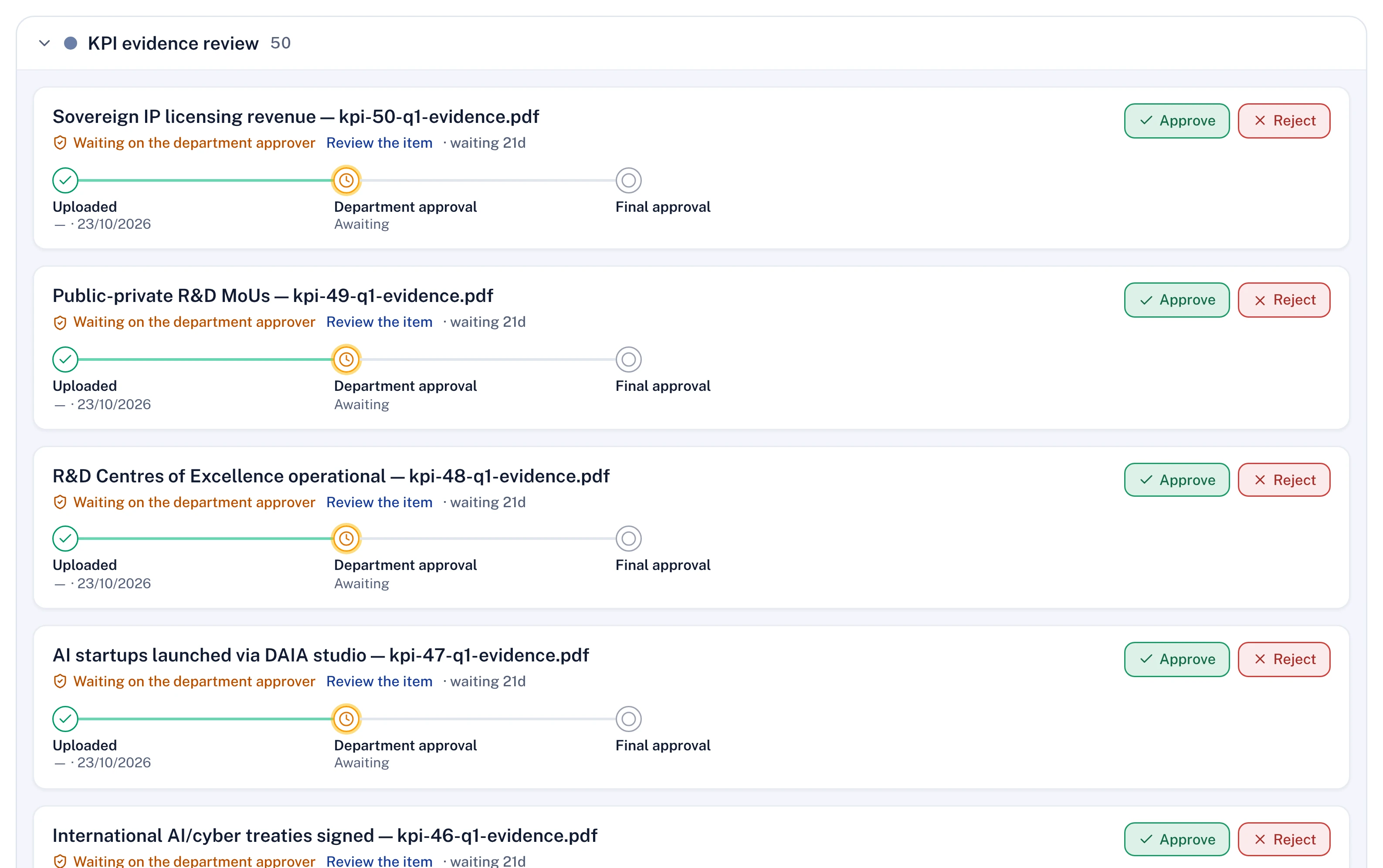
A buyer comparing AI in project management against a strategy office's needs can take the same method further with the seven tests for strategy execution software, and the reasoning behind the proposal-and-approval pattern is in agents that act, and the person who signs.
Questions for your next review
- For each AI feature on our shortlist, have we written down whether it writes, answers or acts?
- When the assistant changes a record, whose name is in the audit log?
- Would a budget change made through the assistant reach the same approvers as one typed by hand?
- Does our contract say which model runs, under whose key, and that our data trains nothing?
AI project management tools look alike when they write and look very different when they act. Score them on what they may change, and the shortlist sorts itself.

Mariia leads commercial and partnerships at Lodestar. Her background is Big Tech and Big Four consulting, where she led large-scale transformations. She holds an MBA from INSEAD.
More from Mariia