 withClickUp
Lodestar with ClickUp
Everything connected. Agents that do the work. Proof behind every number.
ClickUp is a work management workspace that combines tasks, docs, chat, goals, dashboards and AI agents in one product. It is typically bought by teams and departments, in companies of many sizes, that want to consolidate several work tools. Lodestar is the layer above it: every project rolled up, tied to strategy, and governed.
Capabilities stated in full
Twelve capabilities, listed below. ClickUp's count is what its own public pages state, read on 14 November 2026.
For information only. What this page says about ClickUp is based on its public website and documentation, read on 14 November 2026. It may not reflect the latest release. Lodestar is not affiliated with or endorsed by ClickUp.
Keep ClickUp for
- You want tasks, docs, chat and goals for teams in a single workspace.
- Teams want to start on a free plan and configure their own workspace.
- You want AI agents handling routine task updates and handoffs across departments.
Add Lodestar above it for
- One roll-up of every project, tied to strategy and KPIs
- Approval routes and evidence behind every reported number
- A weekly brief that says what needs a decision
ClickUp describes itself as: “ClickUp connects your work, knowledge, and conversations to AI that can find answers, take action, and build alongside you.” Source
Capability by capability
Twelve capabilities in four groups. Every statement about ClickUp comes from its own public pages and links to its source.
| Capability | Lodestar | ClickUp |
|---|---|---|
| Connected modelLodestar 3 of 3ClickUp 1 of 3 | ||
| One model, strategy to task | Yes Strategy, KPIs, portfolio, schedule, budget, people, risks and approvals sit in one model. A change to a task shows on its project, its pillar and its KPI the same day. | Stated Describes agents connecting OKRs to projects and tasks, with standardized goal hierarchies, portfolio views and reporting dashboards. Source |
| Scheduling engine | Yes Gantt with dependencies, critical path and baselines. Imports Microsoft Project plans saved as XML and Primavera P6 as PMXML, and exports both. | In part Describes Gantt with dependency types, automatic rescheduling, critical path, slack time and baselines; Microsoft Project or Primavera file exchange was not found. Source |
| Earned value | Yes Planned value, earned value, actual cost, CPI, SPI and estimate at completion for every active project with a budget and dates. | Not found Not found in the vendor's public pages. |
| Governed executionLodestar 3 of 3ClickUp 0 of 3 | ||
| Approval workflows you configure | Yes Workflow Studio sets approval routes for 23 kinds of change without code: value thresholds, committees, delegation and a deadline on every step. | In part Describes approval steps on an AI workflow canvas (beta in ClickUp Labs) where a person approves, requests changes or escalates in a task. Source |
| Evidence before progress counts | Yes A completion needs the evidence its gate names and approval by the authority your workflow assigns, never the claimant. Until then a claimed 100% counts as 95%. | In part Describes proofing comments on attachments, a signature field to record sign-offs, and a warning when closing tasks with open subtasks or checklist items. Source |
| A record that cannot be edited | Yes Audit and decision logs are write-once and hash-chained. Approved evidence is frozen with a SHA-256 fingerprint. | In part Describes full audit trails for every Super Agent action; not described as immutable in the pages read. Source |
| Agentic AILodestar 5 of 5ClickUp 3 of 5 | ||
| AI that challenges the evidence | Yes Polaris reads the submitted files, works out the value without seeing the claim, and gives the approver what holds up and what to question. A sparring partner; it never approves. | Not found Not found in the vendor's public pages. |
| AI agents that do work | Yes Seven AI advisors and a Chief of Staff read the programme each cycle. The Polaris assistant works with each person's own permissions: it sees and changes only what that person may. | Stated Describes Super Agents that can be assigned tasks, mentioned or messaged, and that create tasks, send messages, draft documents and run multi-step workflows. Source |
| A person approves AI changes | Yes Each AI-proposed change is a card showing before and after. A person presses Apply, and the decision is kept in a write-once log. | In part Describes approval steps customers can add to AI workflows; the run waits in a task until a person approves, requests changes or escalates. Source |
| Updating from chat or email | Yes An owner answers in plain words in Microsoft Teams, Slack or WhatsApp, in the app or by email reply, and the assistant proposes the update for approval. | Stated Describes acting on tasks from Slack message menus (assigning, commenting, changing status) and creating tasks or comments by email. Source |
| Open to your AI assistants | Yes An MCP server lets assistants such as Claude, Microsoft 365 Copilot and Cursor read the programme under each user's own permissions. | Stated Documents an MCP server, available on all plans, that lets external AI assistants work with Workspace tasks, lists, folders and docs. Source |
| LanguageLodestar 1 of 1ClickUp 0 of 1 | ||
| Arabic, right to left | Yes Arabic and English throughout, with full right-to-left layout. | Not found Not found in the vendor's public pages. |
Read on 14 November 2026. Products change; if something here is out of date, tell us and we will correct it.
What sets Lodestar apart
Five capabilities we built the product around. Ask any vendor, us included, to show them on your own data.
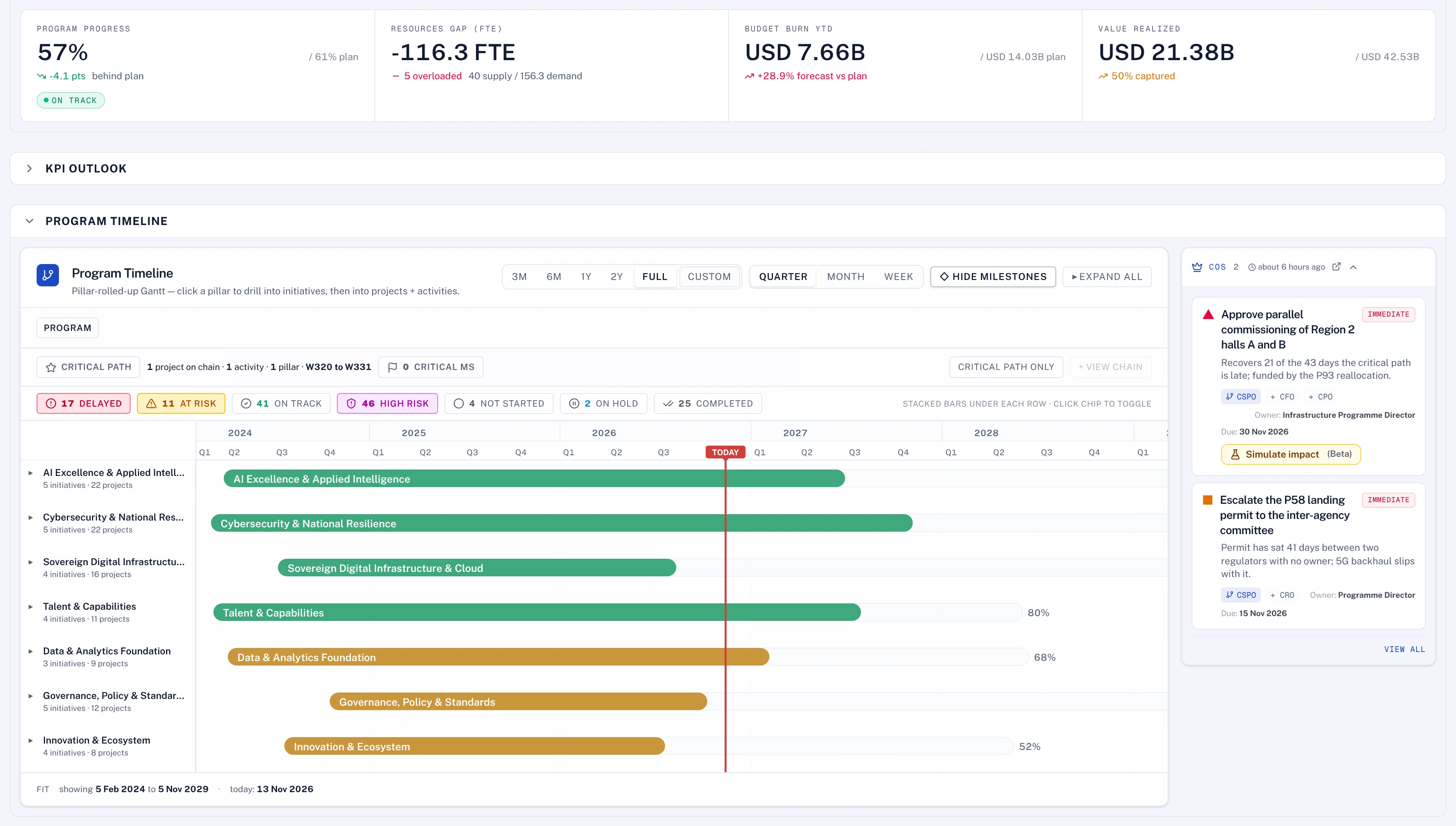
Everything is connected in one model.
A task rolls up to its activity, its project, its initiative, its pillar and the KPI it serves. The same model carries the budget, the contracts, the people, the risks and the approvals, so a slip, an overspend or a missed reading shows everywhere it matters on the same day, with no reconciling between tools.
- Strategy to task, with KPIs, money, people and risk on the same records
- One roll-up behind every dashboard, report and brief
- Projects and KPIs that serve nothing are listed
Agents work as the person, under the same rules.
An owner replies in Microsoft Teams, Slack or WhatsApp, in the app or by email. The Polaris assistant turns that reply, or an uploaded field report, into the changes it describes: progress, KPI readings, weekly reports, risks, issues, actions and tasks. It reads only what that person may see, each change is made with that person's own permissions and role, and it still follows any approval route that governs it.
- The same permissions and roles as the person it works for
- Every change shown before and after, then approved
- Governed changes still go to their approvers
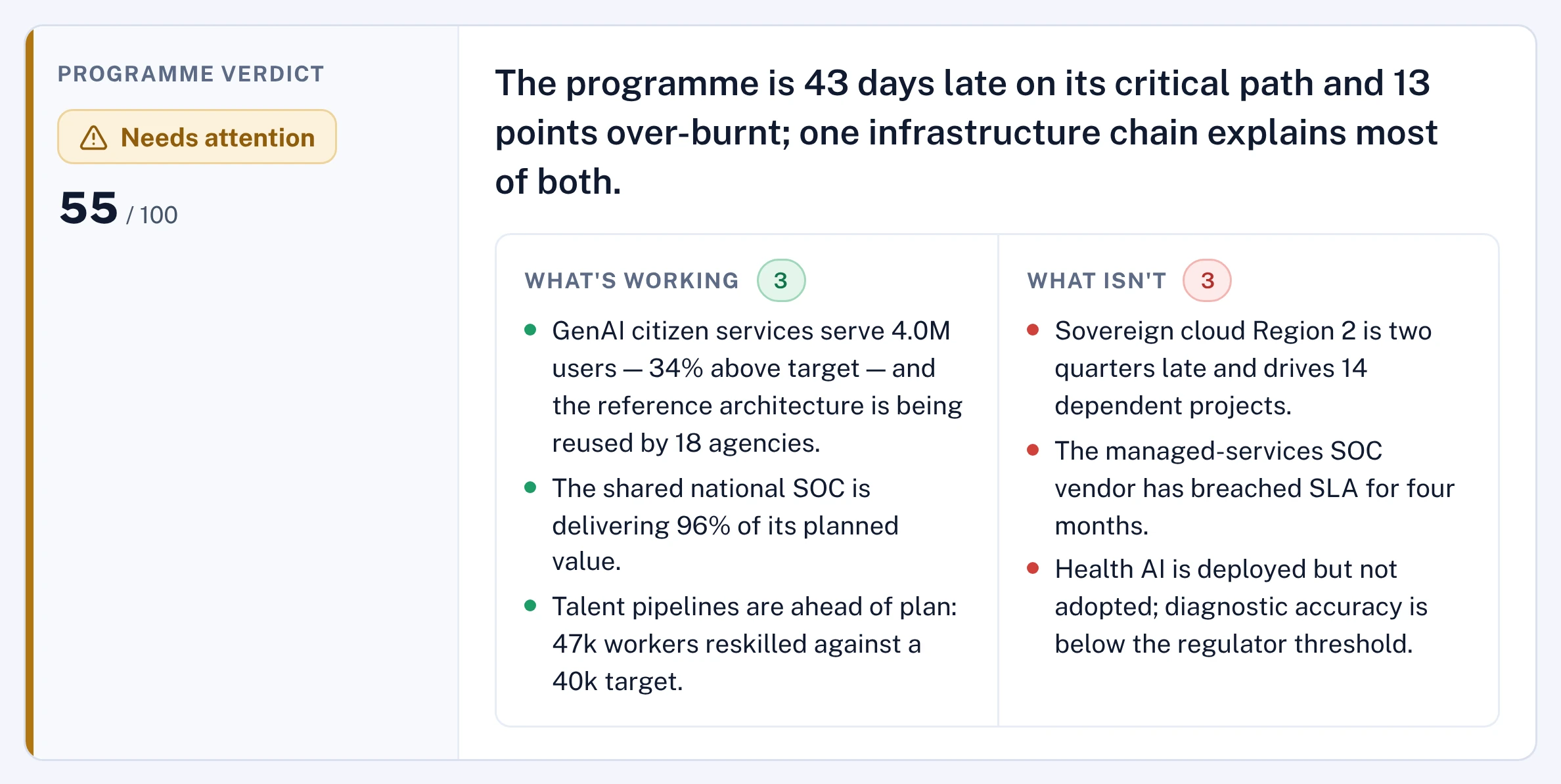
Every approver gets a sparring partner.
A completion or a KPI reading arrives with its files. Polaris reads them, works out the value on its own without seeing what was claimed, and gives the approver what holds up, what does not and what to ask. The decision stays with the person your delegation of authority names, on the route your own procedures set. It is never the claimant.
- No evidence, no submission
- A blind check by Polaris, with the questions to ask
- Approved by the right authority, never the claimant
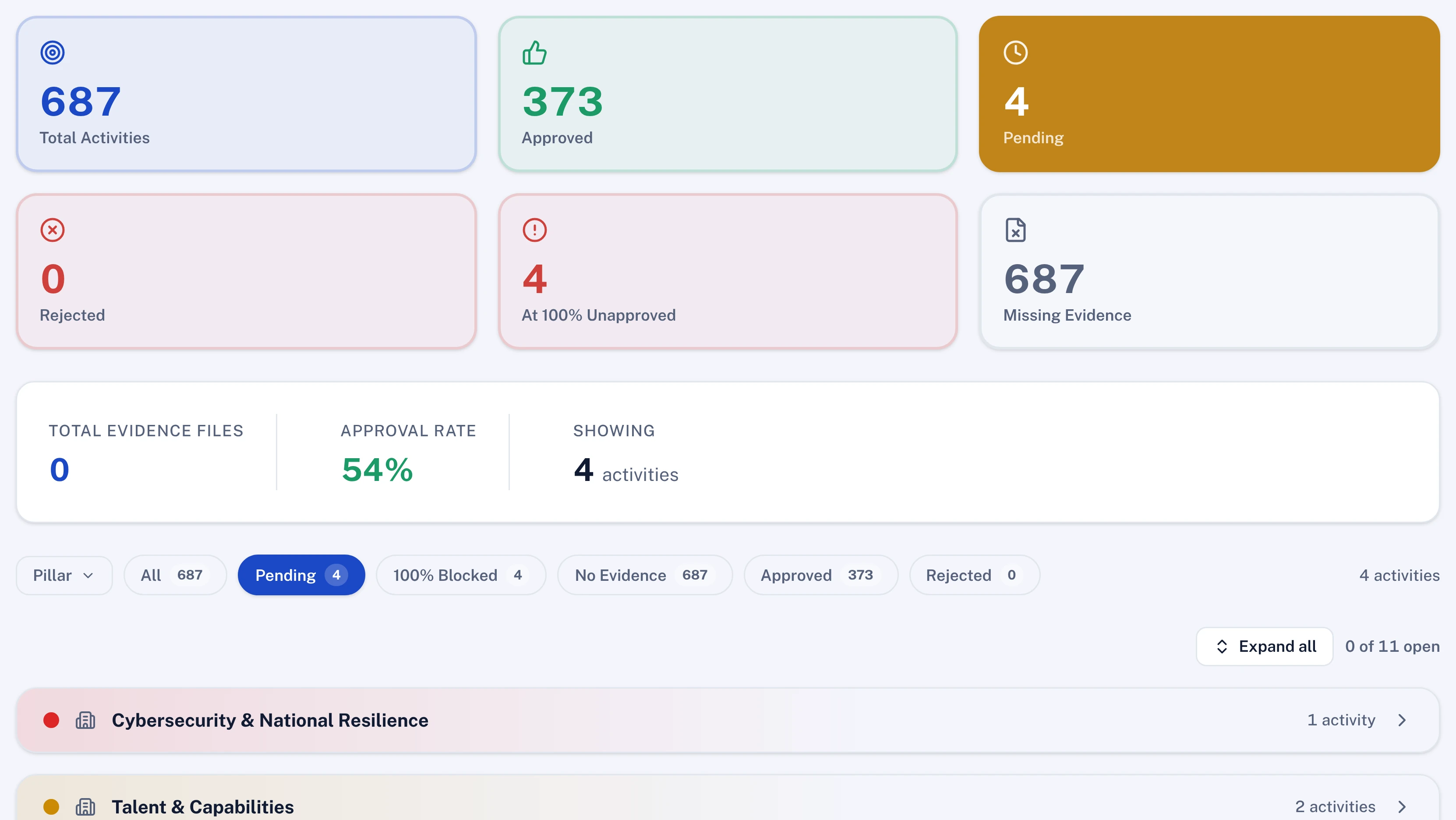
Every change that matters has a route.
Stage gates, budget changes, date changes, KPI targets and closures each follow an approval route you set without code to match your own procedures and delegation of authority: who approves, above what value, by when, and who stands in. The route is fixed when the request is raised and the record cannot be edited afterwards.
- Routes for 23 kinds of change
- Value thresholds, committees and delegation
- Deadlines that escalate on their own
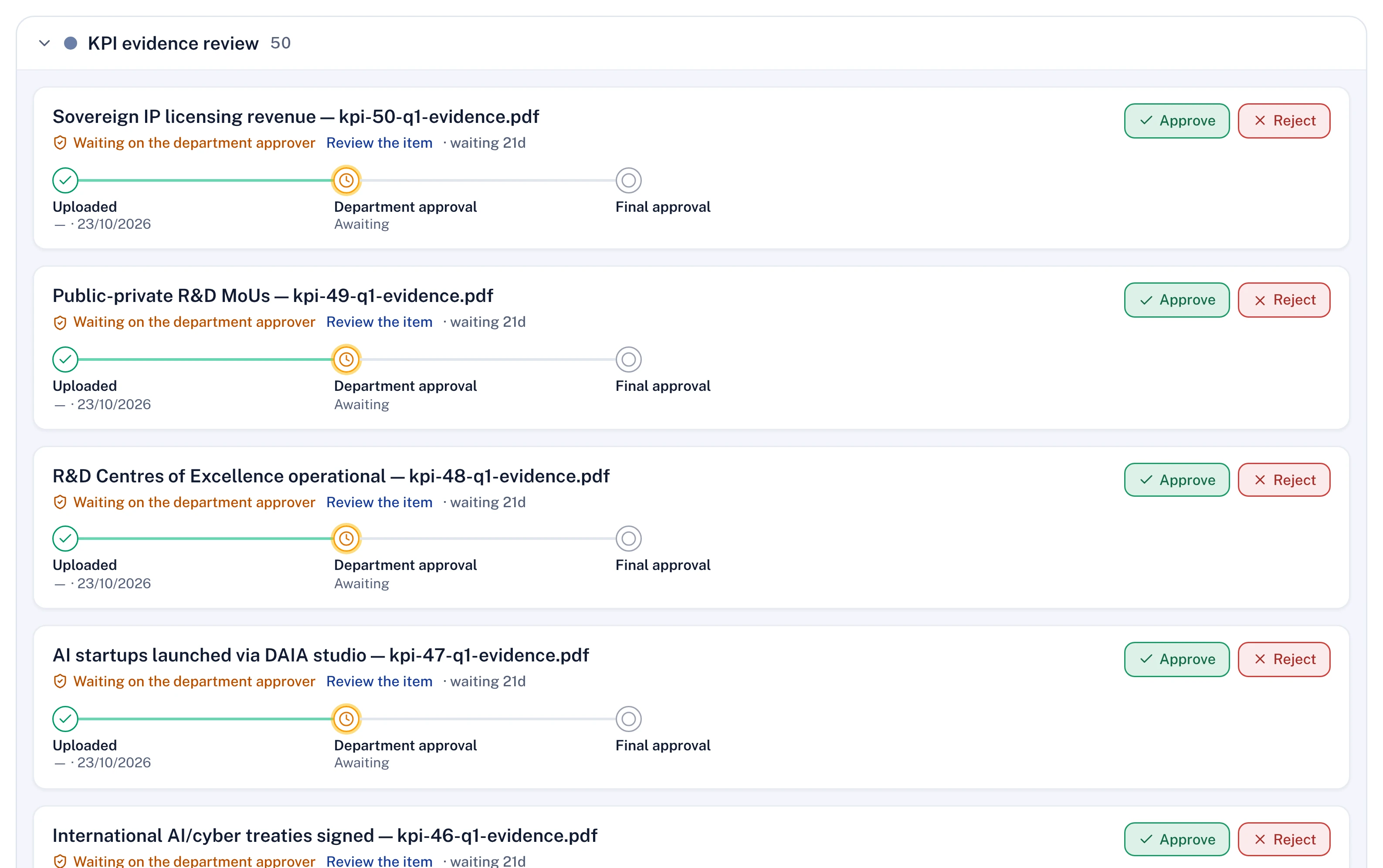
KPIs in depth, forecast with a range.
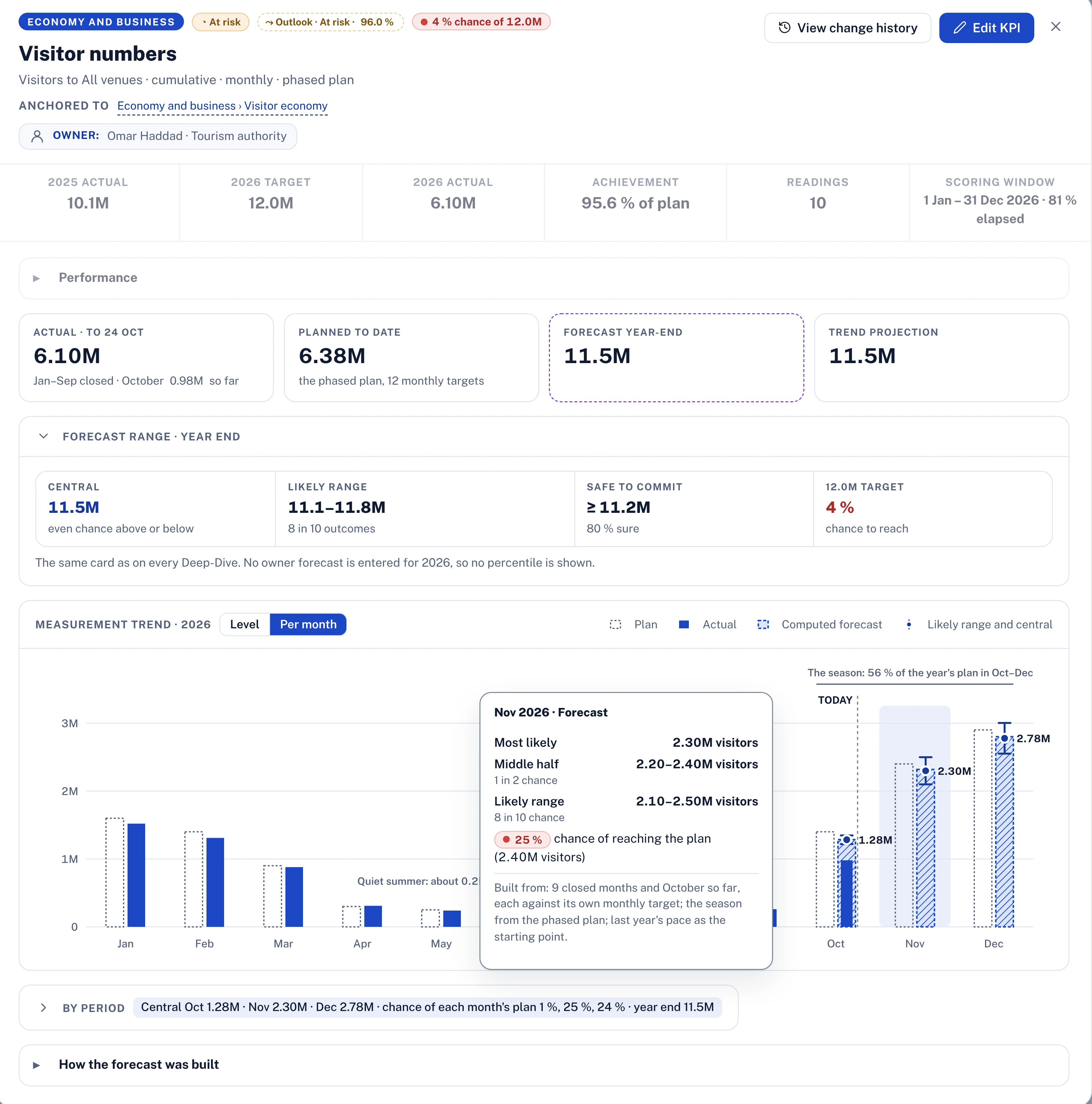
Every KPI keeps its baseline, target, phased monthly or quarterly plan, every reading and the owner's forecast beside the computed one. Polaris forecasting adds a central estimate, a likely range and the chance of reaching each target, month by month, and shows how it was built.
- Baseline, target, plan, actual and forecast on every KPI
- Phased targets for seasonal KPIs
- Likely range and chance of reaching the target
Hosted anywhere, on any AI model, certified.
Lodestar is ISO/IEC 27001:2022 certified and SOC 2 Type II audited, like the best-known products. The difference is where it runs and which AI it uses: on any cloud and in any region, in your own data centre or fully air-gapped, with Polaris working on the model you choose through your own API key. It runs on our own proprietary harness, tested across leading models, and we commit to its performance on mid-tier models.
- ISO/IEC 27001:2022 and SOC 2 Type II
- Any cloud, any region, on-premises or air-gapped
- Any model through your own API key
Where ClickUp is strong
From its own pages. A fair comparison starts with what the other product does well.
- One workspace for tasks, docs, chat, goals, whiteboards, dashboards and time tracking. Source
- Gantt view with multiple dependency types, critical path, slack time and baseline comparison. Source
- States SOC 2 Type 2, ISO 27001 and ISO 42001 certifications, with regional data residency. Source
- States 1,000+ integrations, an API, webhooks and an MCP server available on all plans. Source
Choosing between products? Seven tests to put to every vendor
Sources
Every statement about ClickUp on this page comes from these pages, read on 14 November 2026. ClickUp and its product names are trademarks of their owner, used here only to identify the product. Lodestar is not affiliated with or endorsed by ClickUp.